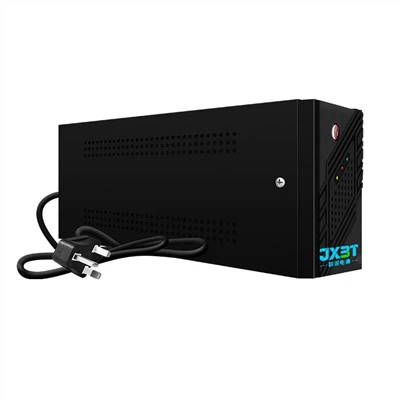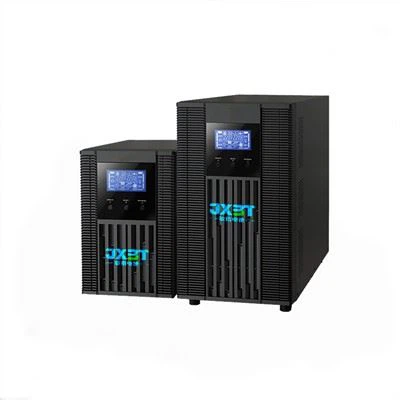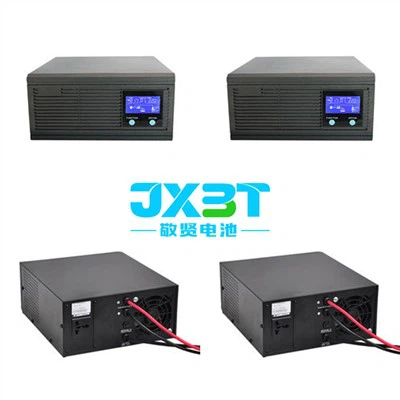

Hey there, all you network enthusiasts and power-conscious folks! As a supplier of 600va Offline UPS, I'm super excited to share with you how you can connect a 600va Offline UPS to a network. It's a process that might seem a bit tricky at first, but fear not – I'll walk you through it step by step.
First off, let's talk about why you'd even want to connect your 600va Offline UPS to a network. A UPS, or Uninterruptible Power Supply, is like a safety net for your electronic devices. It provides backup power when there's a sudden power outage, ensuring that your equipment doesn't shut down abruptly and potentially lose important data. By connecting it to a network, you can monitor the UPS's status in real time, get alerts when there are power issues, and even shut down connected devices gracefully if the backup power is running low.
Step 1: Gather Your Tools and Equipment
Before you start the connection process, you need to make sure you have everything you'll need. You'll obviously need your 600va Offline UPS. Along with it, you'll require an Ethernet cable, which is used to connect the UPS to your network switch or router. You might also need a power strip if you have multiple devices that you want to connect to the UPS. And don't forget your computer or other monitoring device that you'll use to access the UPS's management interface.
Step 2: Placement of the UPS
The placement of your 600va Offline UPS is crucial. You want to put it in a well - ventilated area to prevent overheating. It should also be close to your network switch or router so that you can easily connect it using the Ethernet cable. Avoid placing it near sources of heat, like radiators or direct sunlight, as this can damage the UPS's internal components over time.
Step 3: Connect the UPS to the Network
Now, it's time to make the actual connection. First, plug the UPS into a power outlet. Then, take one end of the Ethernet cable and insert it into the network port on the back of the UPS. The other end of the cable should be plugged into an available port on your network switch or router. Make sure the connections are secure – you'll know it's properly plugged in when you see the LED lights on the UPS and the network device light up.
Step 4: Configure the UPS's Network Settings
Once the physical connection is made, you need to configure the network settings of the UPS. Most modern 600va Offline UPS units come with a built - in web interface that you can access to set up these settings. To access the web interface, open a web browser on your computer. Then, you'll need to find the IP address of the UPS. Usually, the UPS will get an IP address assigned automatically through DHCP (Dynamic Host Configuration Protocol) if your network uses it.
If you can't find the IP address, you might need to check the manual that came with the UPS for alternative methods of finding or setting the IP address. Once you have the IP address, type it into the address bar of your web browser. You'll be prompted to enter a username and password, which are typically found in the UPS's documentation.
Step 5: Set Up Monitoring and Alerts
After logging in to the web interface, it's time to set up monitoring and alerts. You can choose to monitor various parameters of the UPS, such as battery level, input voltage, and output load. You can also configure alerts so that you'll get notified via email or SMS when there's a power outage, a low battery situation, or other critical events.
Step 6: Connect Devices to the UPS
Once the UPS is connected to the network and configured, you can start connecting your devices to it. Plug your devices, like computers, servers, or networking equipment, into the outlets on the UPS. Make sure not to overload the UPS – the 600va rating indicates the maximum power it can handle.

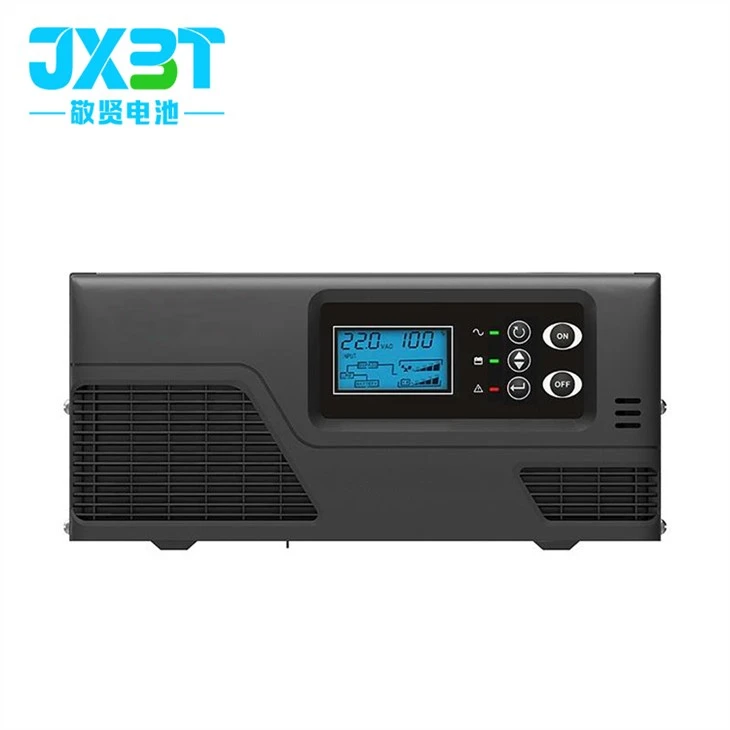
Now, let me tell you about some other great products we offer. If you're looking for a more powerful option, check out our Power Supply 3000va. It's perfect for larger setups where you need to power multiple high - power devices. And if the 600va is a bit too small but the 3000va is overkill, our 650va Offline UPS might be just what you need. And for those who need a rack - mounted solution, take a look at our Rack Mount Type UPS 1.5kw.
We're here to help you find the best power solution for your needs. If you have any questions about our 600va Offline UPS or any of our other products, or if you're interested in purchasing, don't hesitate to reach out. We're always happy to have a chat and discuss your requirements. Let's work together to keep your network up and running, no matter what power issues come your way!
References
- General UPS user manuals
- Network switching and router setup guides
- Power management best practices literature